Split Inbox that screens for you
Important, Team and Calendar up top. Newsletters, transactional mail and cold outreach never interrupt. Move a sender once and it remembers.
A fast, AI-native client for Gmail. It screens your inbox, drafts replies in your voice when someone is waiting on you, and puts every action a keystroke away.
$9.99 a month · free for work email during launch · works with your Gmail
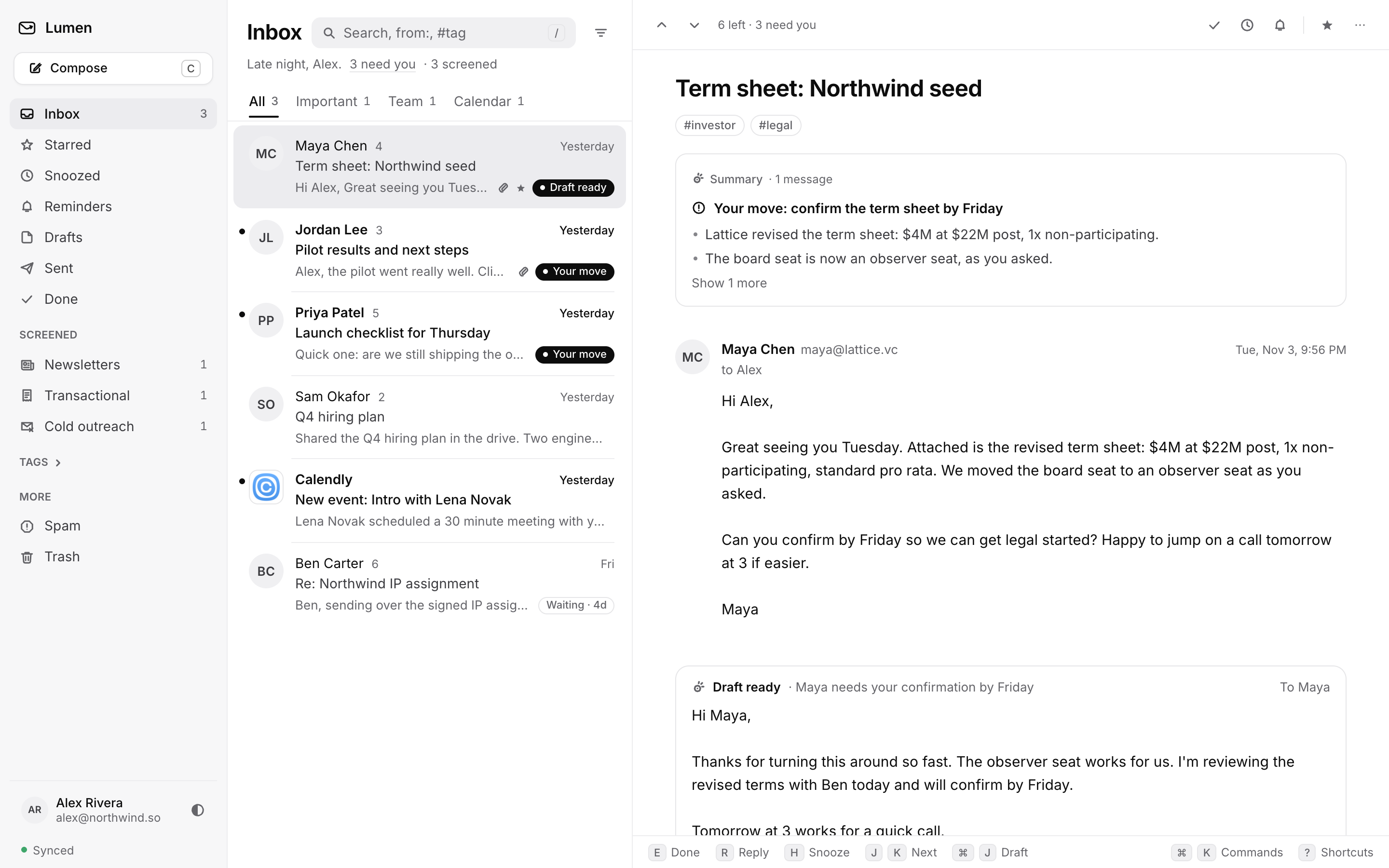
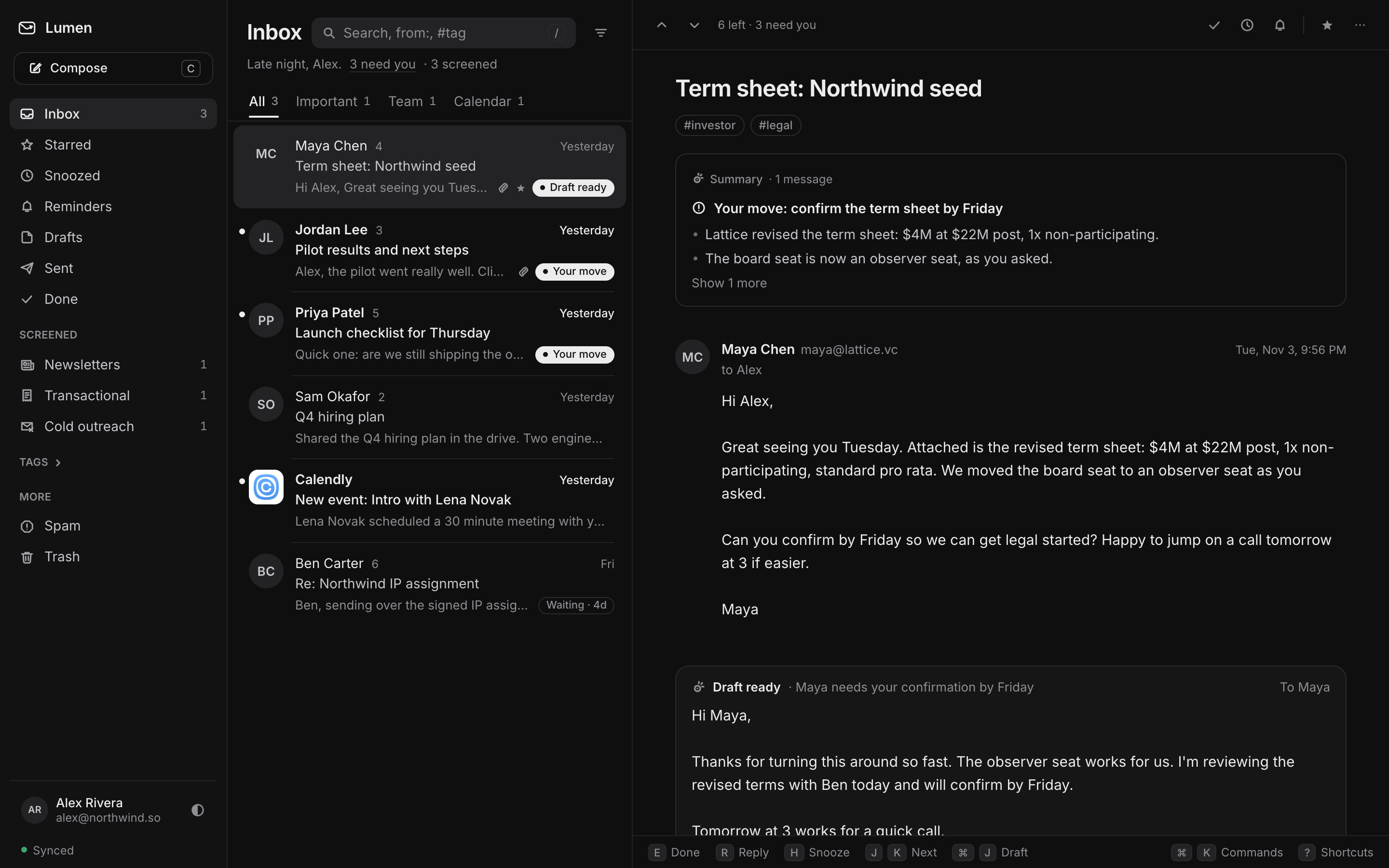
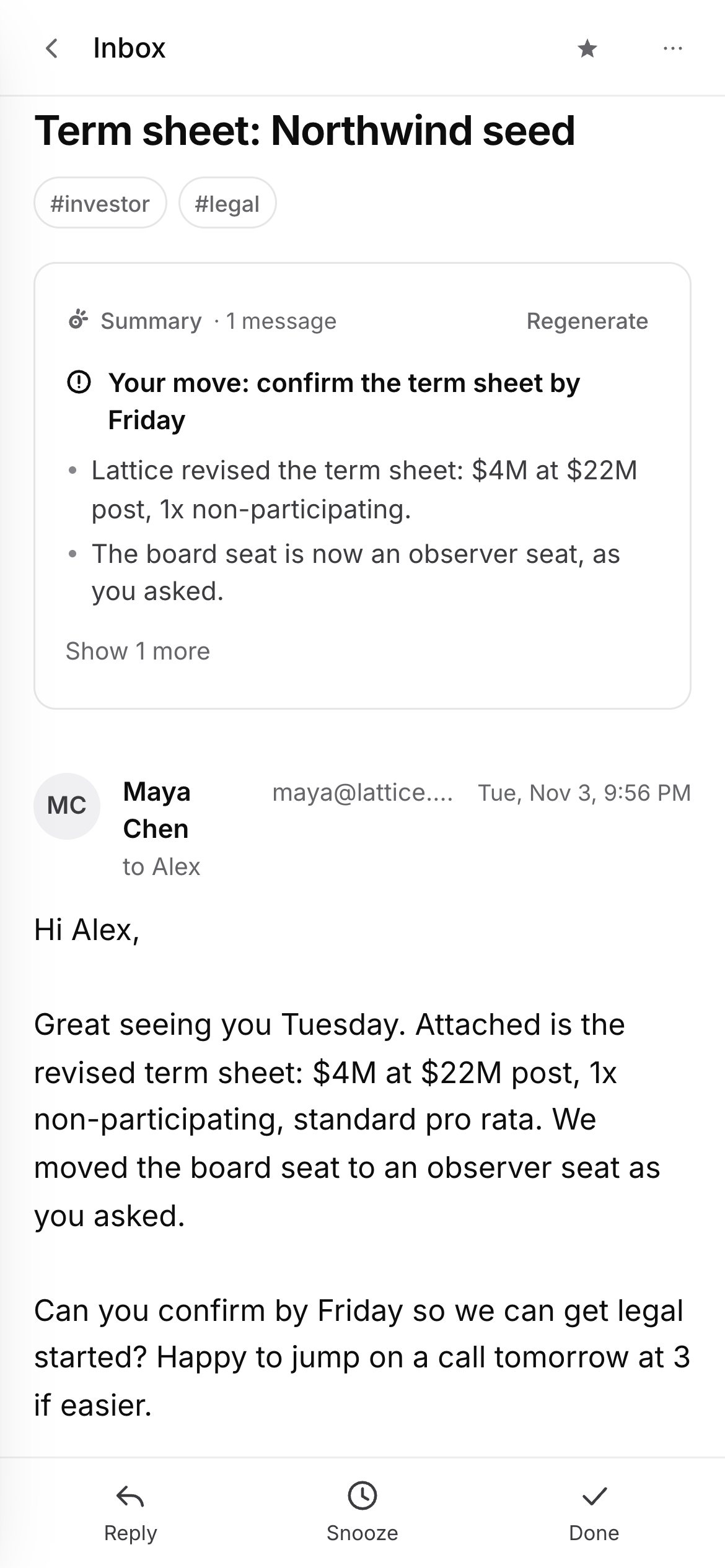
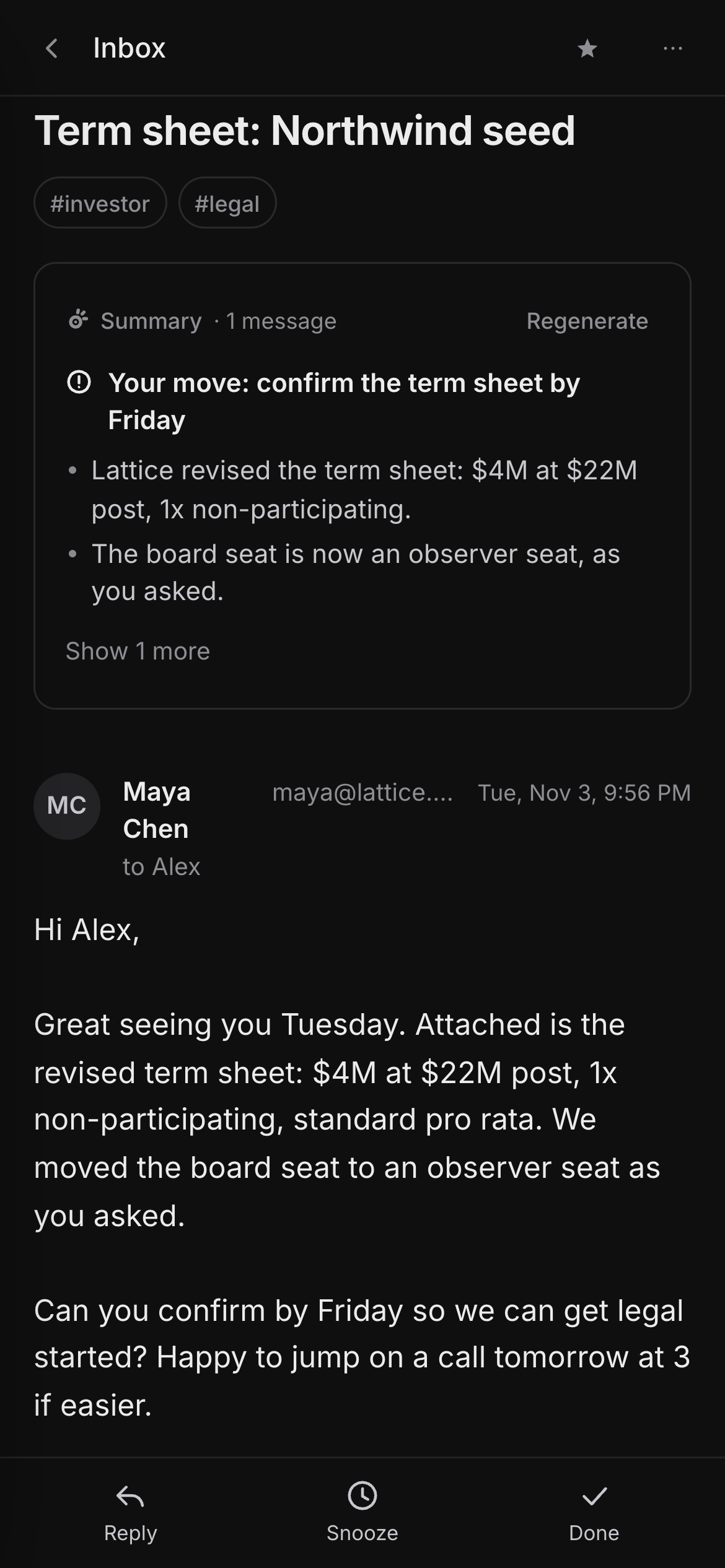
Every click lands instantly. Actions apply on screen first and sync to Gmail behind you, so the inbox never waits on the network.
Important, Team and Calendar up top. Newsletters, transactional mail and cold outreach never interrupt. Move a sender once and it remembers.
The Superhuman key map, learnable in a day. ⌘K reaches every command, with its shortcut beside it.
Type “fri 3pm” or “in 2 days”. Threads nobody answered come back with a nudge ready.
Done, trash, snooze and send can all be undone with Z. Sends wait a few seconds so you can change your mind.
from:, #tags, names, words. Or ask in plain English: “what did Lattice offer?”
Remote images load through Zeroness, tracking pixels are stripped, and nothing you write trains AI.
Most email doesn't need you. Zeroness reads every thread, decides what does, and only then writes, from the whole conversation and the way you write to that person.
Competitor plans as published on their pricing pages, November 2026.
Gmail column hidden on small screens. Gmail is free, with AI as a paid add-on.
Every feature, AI included, on every plan. Launch pricing is locked for life.
No. Zeroness is a client. Your address, mail and labels stay in Google, and everything you do in Zeroness shows up in Gmail too.
Never. Zeroness drafts; you press Send. Every send waits a few seconds so you can undo it.
No. Assistant requests go to model providers under no-training terms, as Google's Limited Use policy requires.
Yes. Connect as many Gmail and Google Workspace accounts as you like, all in one place.
Gmail and Google Workspace first. Outlook is next.